How to Go Live on Instagram: The Complete Creator's Guide
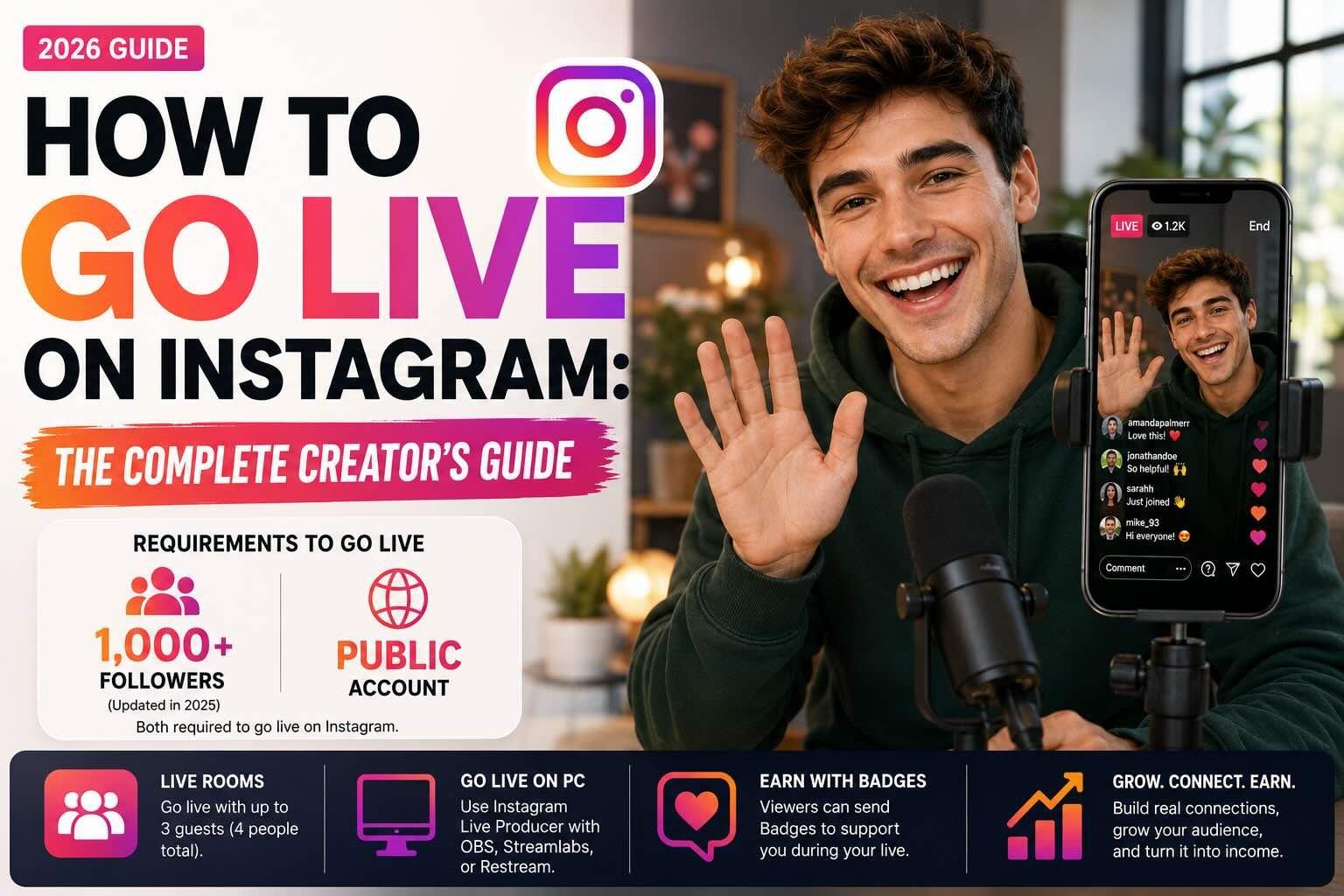
Going live on Instagram is one of the simplest ways to show up for your audience in real time, with none of the polish or editing a normal post needs. The catch is that the feature can be a little finicky, and the rules changed recently, so a lot of people find the Live button missing without knowing why. So whether you are figuring out how to go live on Instagram for the first time, wondering why you can't go live at all, or trying to stream from a computer, this guide covers all of it as of 2026.
Let's get into it.
How to go live on Instagram (step by step)
The good news is that once you are eligible, going live on Instagram is fast. Here is how to go live on Instagram from your phone:
- Open the Instagram app and either tap the + at the top of the screen, or swipe right to open the camera.
- At the bottom, swipe across the modes (Post, Story, Reel) until you land on Live.
- Add a title for your stream if you want one, and choose your audience settings.
- Tap the shutter button to start. You are now live on Instagram.
That's it. Once you are live, you can see who is watching, read and pin comments, add a moderator, flip the camera, and invite guests to join you on screen. When you are done, swipe down or tap the X to end it, and you can share the replay to your profile or Stories.
A few quick tips so your first live does not feel awkward:
- Announce it ahead of time. Posting to your Story an hour before, or scheduling the live, tells Instagram to notify your followers.
- Hook people fast. Viewers trickle in over the first few minutes, so keep re-introducing what the stream is about instead of waiting silently.
- Say people's names as they join. It is the easiest way to make a live feel like a conversation instead of a broadcast.
How many followers do you need to go live on Instagram?
As of 2026, you need 1,000 followers and a public account to go live on Instagram. Instagram changed this rule in 2025. Before that, anyone could go live regardless of follower count or whether their account was public. Now, if you have fewer than 1,000 followers or your account is private, you will see a message saying you are not eligible to create live videos.
So there are really two requirements to go live on Instagram: hit 1,000 followers, and set your account to public. This brings Instagram in line with TikTok, which also requires 1,000 followers (you can read about that in our complete guide to going live on TikTok). If 1,000 followers feels far off, Twitch and YouTubeboth let you go live from a desktop with no follower minimum.
If you are not there yet, the move is simple: focus on growing to 1,000 real followers and make sure your profile is public. Post consistently, lean into Reels for reach, and the Live feature will open up once you cross the line.
Why can't I go live on Instagram?
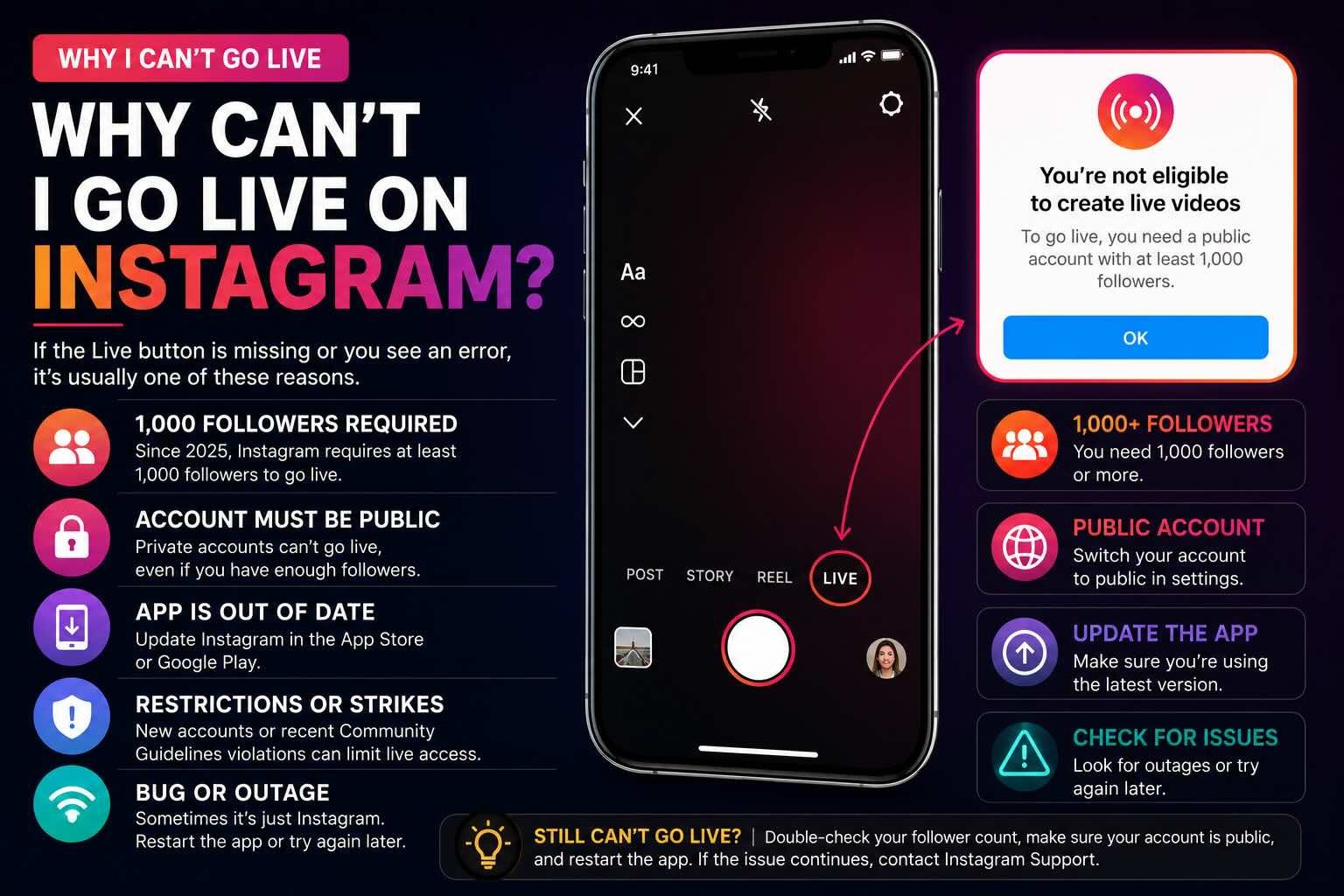
This is one of the most common frustrations, so let's tackle it directly. If you can't go live on Instagram, it is almost always one of these reasons:
- You do not have 1,000 followers. Since 2025, this is a hard requirement. Under 1,000 followers and the Live option disappears.
- Your account is private. You need a public account to go live. A private profile will block the feature even if you have the followers.
- Your app is out of date. Update Instagram in the App Store or Google Play and newer Live options come back.
- Your account is too new or was recently restricted. Recent Community Guidelines violations or strikes can pull live access temporarily.
- A temporary bug or outage. Sometimes it is just Instagram. Restart the app, or try again later.
So if you have been searching "why can't I go live on Instagram" and coming up empty, check the big two first: are you at 1,000 followers, and is your account public? That combination is what trips up most people.
How to go live on Instagram from a computer
If you want to go live from a desktop, for a more produced stream, an interview setup, or screen sharing, you can use Instagram Live Producer.
Live Producer lets you broadcast to Instagram Live using streaming software like OBS, Streamlabs, or Restream through an RTMP connection. The short version:
- Open Instagram Live Producer in a desktop browser and log in.
- Connect your streaming software using the stream key Instagram provides.
- Set up your scene: camera, screen share, overlays.
- Go live, and manage comments right from the desktop interface.
This is the route to take if a phone camera feels limiting, or if you are running a more polished show with graphics and multiple sources. The same eligibility rules apply, so you still need 1,000 followers and a public account.
Going live with a guest: Live Rooms
One of Instagram's best live features is the ability to bring people on screen with you. With Live Rooms, you can host a live with up to three guests, four people total. Tap the guest icon while you are live and invite a viewer or send a request to another creator.
This is a genuinely strong growth move, because when you go live with another creator, their followers get notified too. Co-streaming with someone in your niche is one of the easiest ways to put your live in front of a new audience without spending a dollar.
How creators get paid on Instagram Live
Going live on Instagram can make you money, though the tools here are lighter than on some other platforms.
The main live-specific feature is Badges. During your live, viewers can buy badges (heart icons next to their name) to support you, priced at a few dollars each. You keep the badge revenue, minus the usual app store fees. Badges require a professional account and availability varies by region.
Beyond badges, most creators monetize their Instagram audience indirectly: brand partnerships, affiliate links, selling products, and driving traffic to other platforms. And honestly, that is where the real money is.
Here is the honest part. Badges and tips are a nice supplement, but the serious income in the creator economy comes from brand deals, and a single partnership can be worth more than months of badges. The problem is that landing brand deals usually means having representation, and most creators do not have an agent. That is the gap Trovio closes. We give creators of all sizes the tools agents bring to the top 1%: brand matching, media kits, pitching, and analytics, without taking a cut of your deals. Going live builds your audience. Trovio helps you turn that audience into income.
Quick FAQ
How many followers do you need to go live on Instagram? 1,000 followers, plus a public account. Instagram added this requirement in 2025; before that there was no minimum.
Why can't I go live on Instagram? The most common reasons are having fewer than 1,000 followers or a private account, both now required. Other causes include an outdated app, a recent restriction, or a temporary bug.
Can you go live on Instagram from a computer? Yes, using Instagram Live Producer with streaming software like OBS or Streamlabs over an RTMP connection. The 1,000-follower and public-account rules still apply.
How many people can join an Instagram Live? Up to four total, you plus three guests, using Live Rooms.
Do you make money going live on Instagram? You can, mainly through Badges that viewers buy during your stream. Most creators earn more through brand deals and selling products than through badges alone.
Ready to grow the audience that makes going live worth it? See how Trovio helps creators land brand deals →